

Download Wingrooves – Music Streaming, Grooveshark Access, Desktop Utility
Overview
Wingrooves is a desktop-focused application designed to deliver a streamlined music streaming experience by providing direct access to the Grooveshark music library. Unlike traditional browser-based access, Wingrooves eliminates the need to open a web browser, offering users a more efficient and immersive way to enjoy their favorite tracks. The app is particularly useful for individuals who value uninterrupted playback and seamless navigation while managing multiple tasks on their computer. By integrating directly into the desktop environment, Wingrooves enhances usability and reduces the friction associated with web-based music platforms. The application targets users who frequently listen to music while working, studying, or engaging in creative activities. It serves as a lightweight utility for those seeking a distraction-free, keyboard-friendly interface. While the developer did not provide additional background details, the app’s functionality suggests a focus on performance and user convenience. Real-world use cases include background music during remote work, quick access to playlists during workouts, or managing large music collections without browser overhead. Wingrooves plays a niche role in the broader digital music ecosystem by offering a dedicated client for a now-discontinued service. Its continued relevance lies in its ability to deliver a more stable and responsive experience than browser-based alternatives. Although Grooveshark itself is no longer operational, Wingrooves remains a notable example of third-party tools that extended the lifespan of legacy streaming platforms.Key Features & Functionality
Wingrooves offers a suite of features designed to enhance music accessibility and usability on desktop systems. The core functionality centers around seamless access to the Grooveshark music library, enabling users to browse and play thousands of songs directly from the app interface without relying on a web browser. This eliminates common browser-related delays and allows for faster track selection and playback initiation. Improved performance is a key highlight, with the application optimized to deliver smoother playback and reduced buffering compared to standard web streaming. This is particularly beneficial for users with inconsistent internet connections or older hardware, where browser-based streaming may struggle. The app’s lightweight architecture ensures efficient resource usage, allowing for extended listening sessions without system slowdowns. Keyboard shortcuts are integrated to support hands-free navigation, enabling users to play, pause, skip, and adjust volume using predefined key combinations. This feature is ideal for multitaskers who prefer minimizing mouse interaction. Additionally, the ability to minimize the app to the taskbar allows users to maintain active playback while focusing on other desktop activities, preserving workflow continuity. A stable internet connection is required for full functionality, ensuring access to the latest music content and real-time updates. While the app does not support offline playback, its design prioritizes connectivity-driven convenience. These features collectively position Wingrooves as a practical tool for users seeking a more efficient and responsive music experience on their desktop.Interface, UX & Performance
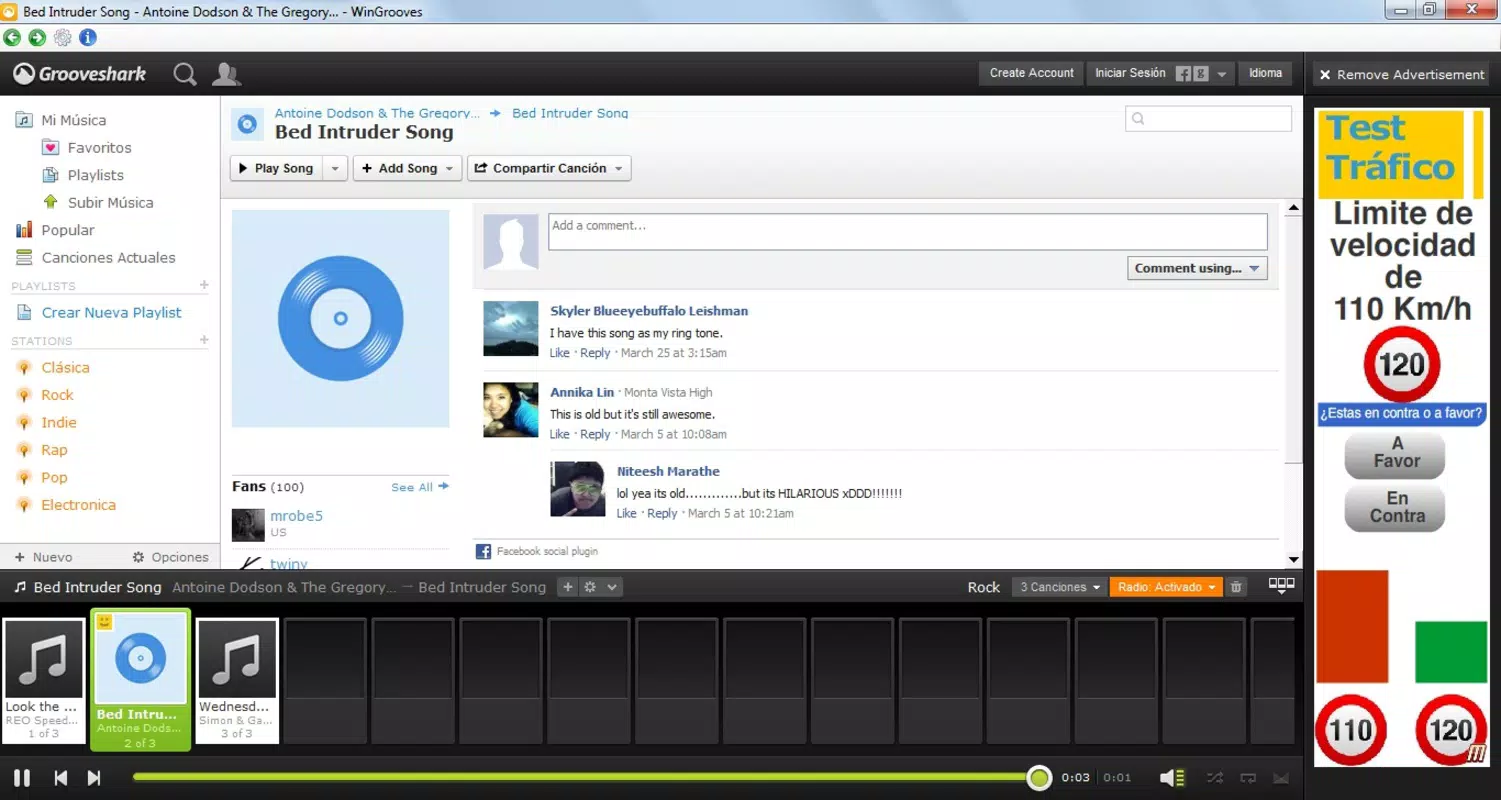
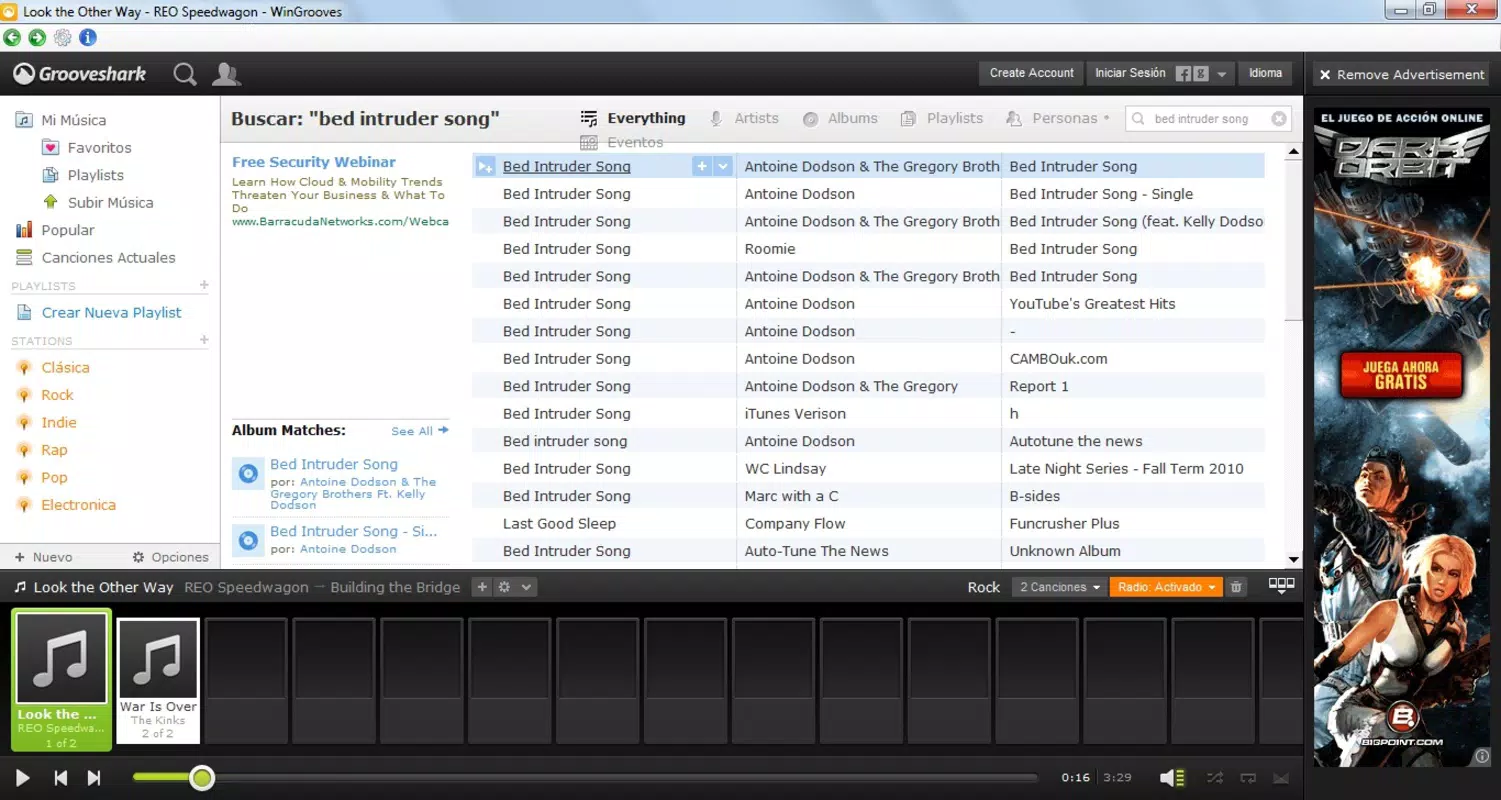
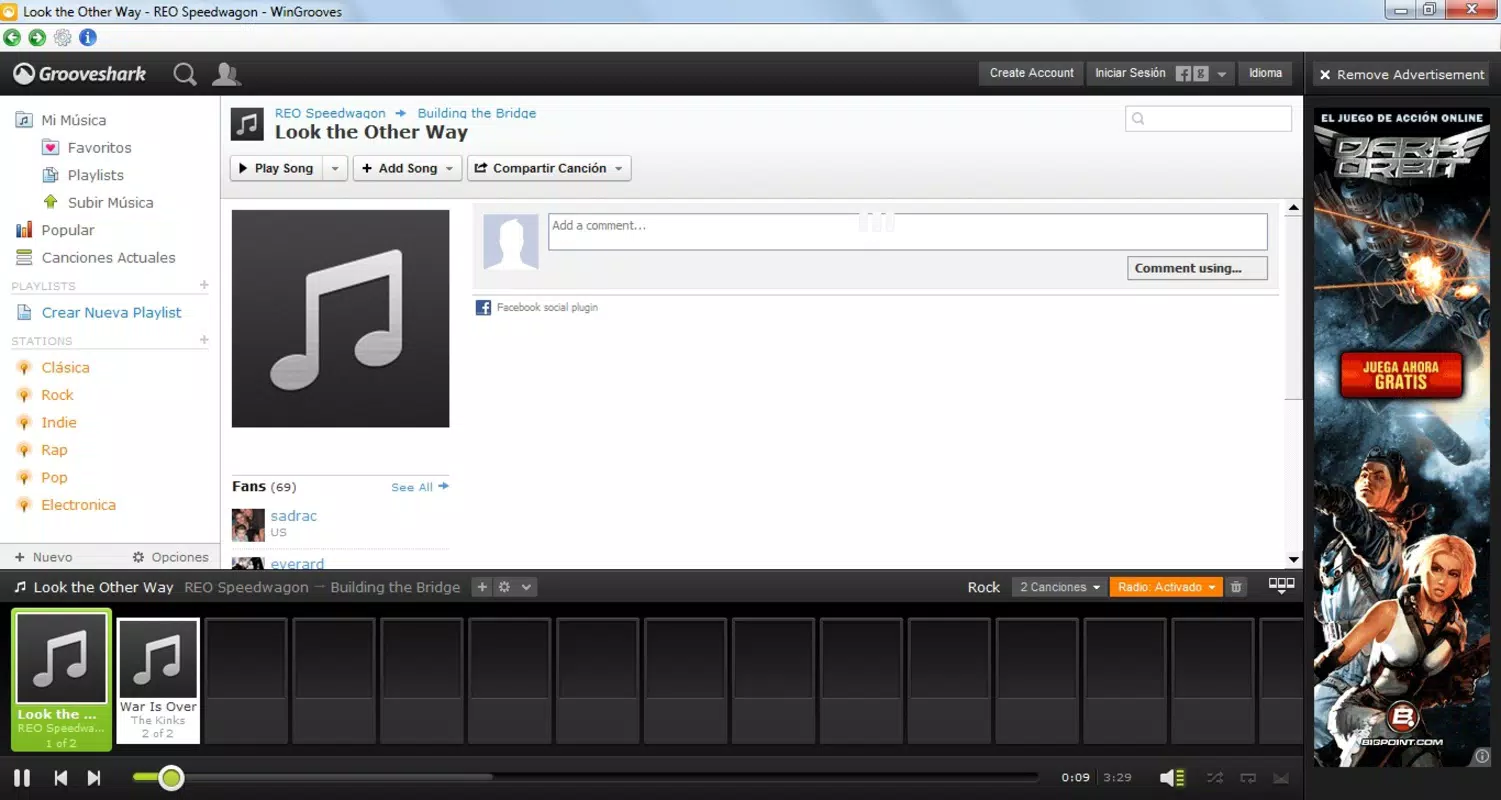
The user interface of Wingrooves is designed with simplicity and efficiency in mind, featuring a clean layout that prioritizes music discovery and playback controls. Navigation is structured to allow quick access to playlists, recently played tracks, and search functions, minimizing the number of clicks required to find desired content. The visual style is minimalistic, avoiding clutter and focusing on core functionality, which enhances readability and reduces cognitive load. Interaction flow is intuitive, with clearly labeled buttons and responsive controls. Users can browse the music library, select tracks, and manage playback with minimal effort. The app’s responsiveness is evident in its fast reaction to user inputs, particularly when using keyboard shortcuts, which contribute to a fluid and immersive experience. Although the developer did not list formal performance metrics, the app’s design suggests optimization for consistent performance across a range of desktop environments. Stability appears to be a strong point, with the application maintaining active playback even when minimized to the taskbar. This ensures uninterrupted listening during multitasking scenarios. The app’s performance on different device categories is not explicitly detailed, but its lightweight nature implies compatibility with standard desktop configurations. Users can expect smooth operation on systems with moderate processing power and memory, though specific hardware requirements were not disclosed. Overall, the interface balances functionality with aesthetic restraint, making it suitable for both casual listeners and power users. The focus on usability and performance aligns with the expectations of a modern desktop utility, even as it serves a legacy platform.Platform Compatibility & Technical Requirements
Wingrooves is designed for desktop operating systems, though the specific platform and OS version were not provided. The app’s file size is also not disclosed, which limits insight into its storage footprint. Compatibility information was not fully disclosed, and the developer did not specify minimum OS requirements or supported hardware configurations. Despite this, the app’s functionality suggests it is built for standard desktop environments, likely targeting Windows-based systems given its taskbar integration and keyboard shortcut support. The requirement for a stable internet connection indicates that the app operates in a cloud-dependent model, relying on continuous data streaming rather than local storage. Users should ensure their system meets general desktop software requirements, such as a modern processor, sufficient RAM, and an active internet connection. However, no official technical specifications were provided by the developer. For users considering installation, it is recommended to verify system compatibility before proceeding.Pros and Cons
- Seamless access to Grooveshark’s music library without browser dependency
- Improved playback performance with reduced buffering
- Keyboard shortcuts for efficient navigation and control
- Taskbar minimization for uninterrupted multitasking
- Lightweight design suitable for older or low-resource systems
- No official support for offline playback
- Platform and system requirements not publicly disclosed
- Dependent on a stable internet connection for all functionality
- App is tied to a discontinued music service (Grooveshark)
- Limited availability and no recent updates or developer support


